You can't tell which marketing works
Traffic goes up and down, but nobody can say which channel, campaign, or page produced the leads.

WebSprint Analytics
We help businesses track website performance, understand visitor behavior, measure lead generation, and make better decisions using reliable analytics and reporting.
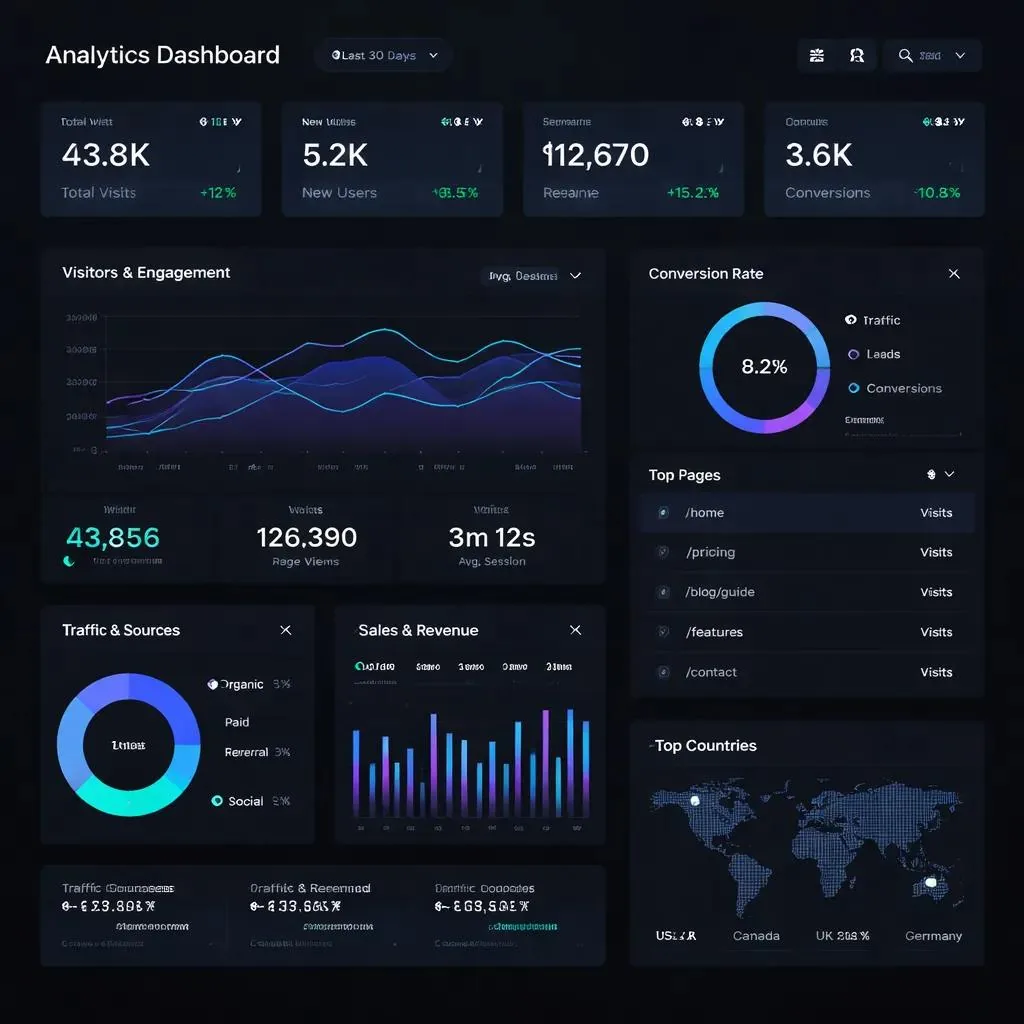
Problems we solve
Traffic goes up and down, but nobody can say which channel, campaign, or page produced the leads.
Duplicate tags, missing events, and conversions counted on button clicks make every report questionable.
Without behavior data, forms and landing pages are redesigned on guesses instead of evidence.
Marketing reports stop at the form, so lead quality, sales, and revenue can't be tied back to the source.
Core deliverables
Service levels
Most clients start with web analytics and conversion tracking, alongside website development or technical SEO, then add CRM analytics and business intelligence as their reporting needs grow.
Start here
Set up GA4, Google Tag Manager, Microsoft Clarity, conversion events, and dashboards that explain how visitors become leads and customers.
Ideal clients: Businesses with websites that need to measure marketing performance and lead generation.
Combine website leads with CRM pipeline data to report lead quality, conversion rates, sales performance, and revenue attribution.
Ideal clients: Service businesses, sales teams, and companies using Salesforce, Zoho, HubSpot, or similar CRMs.
Build management dashboards, automated reports, operational KPIs, and integrations across multiple business systems.
Ideal clients: Growing businesses with data spread across spreadsheets, CRMs, and accounting tools.
Scope
Every engagement starts with a written scope and quote, so you know exactly what is delivered and what is not.
Consent and privacy: consent setup depends on where your visitors are, the consent platform you use, your Google configuration, and the agreed measurement plan. A cookie banner on its own does not make a site compliant, and your legal obligations stay with you.
Interactive dashboard demo
Explore traffic, lead conversion, and acquisition channels for a sample service business. All figures are demonstration data. Your dashboard is built on your own GA4, Clarity, and CRM data.
Demonstration data, not real client results
| Channel | Leads |
|---|---|
| Organic search | 38 |
| Google Ads | 24 |
| Direct | 14 |
| Referral | 9 |
| Social | 7 |
| 4 |
| Day | Leads |
|---|---|
| Sep 1 | 2 |
| Sep 2 | 3 |
| Sep 3 | 2 |
| Sep 4 | 4 |
| Sep 5 | 3 |
| Sep 6 | 1 |
| Sep 7 | 2 |
| Sep 8 | 3 |
| Sep 9 | 4 |
| Sep 10 | 3 |
| Sep 11 | 5 |
| Sep 12 | 4 |
| Sep 13 | 2 |
| Sep 14 | 2 |
| Sep 15 | 3 |
| Sep 16 | 4 |
| Sep 17 | 5 |
| Sep 18 | 4 |
| Sep 19 | 3 |
| Sep 20 | 2 |
| Sep 21 | 3 |
| Sep 22 | 4 |
| Sep 23 | 5 |
| Sep 24 | 5 |
| Sep 25 | 4 |
| Sep 26 | 3 |
| Sep 27 | 2 |
| Sep 28 | 4 |
| Sep 29 | 3 |
| Sep 30 | 2 |
Sample deliverables
These samples use the events this website tracks itself. Your plan is written for your own goals, pages, and systems.
| Event | Fires when | Parameters | Key event |
|---|---|---|---|
| generate_lead | Only after the inquiry is confirmed delivered or saved in the CRM | lead_source, service_interest | Yes |
| form_submit | After a successful form submission, never on the button click | form_name, service_interest | No |
| contact_click | When a visitor taps a WhatsApp, email, or phone link | contact_method, link_location | No |
| service_cta_click | When a visitor clicks a service page's call to action | page_path, cta_location | No |
Delivery process
Step 1
Review your goals, current tags, accounts, and inquiry flows to find what is missing or double-counted.
Step 2
Agree which actions count as leads, which events support them, and how consent and privacy are handled.
Step 3
Configure tags, events, conversions, and behavior analytics, keeping to one tag path and avoiding duplicate tracking.
Step 4
Verify each event and conversion with Tag Assistant and GA4 DebugView, including consent behavior, before anything goes live.
Step 5
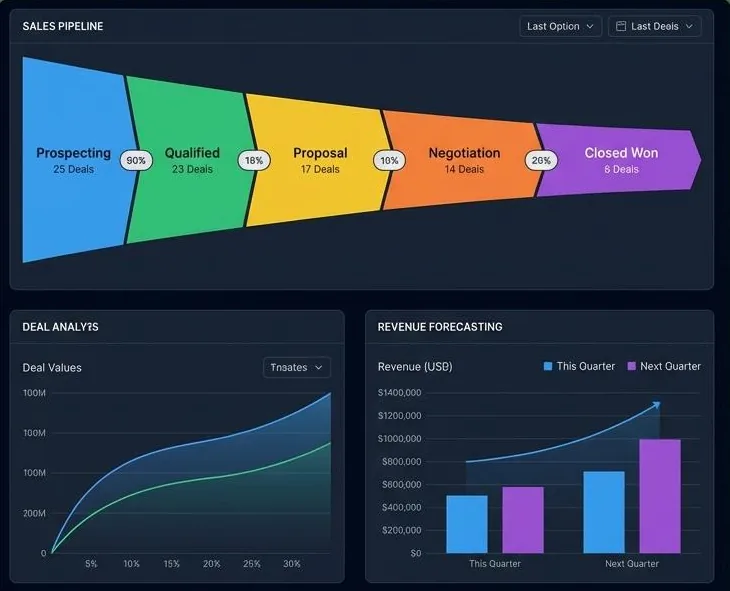
Deliver the dashboard, walk your team through the reports, and agree on ongoing monthly reporting if you need it.
Analytics tracking audit
Request a tracking audit and we will review your current tags, conversions, and reports, then explain what is broken, missing, or double-counted. Share your website URL, your business goals, and how to reach you.
Request a tracking auditCRM-connected delivery
FAQ
WebSprint Analytics covers GA4 and Google Tag Manager setup or audit, Microsoft Clarity heatmaps and recordings, conversion tracking for forms, calls, bookings, and purchases, channel and landing page reports, and a monthly dashboard with recommendations. CRM integration is optional.
Google Analytics 4, Google Tag Manager, the Google tag, Google Ads, Google Search Console, Microsoft Clarity, Looker Studio, and CRMs such as Zoho, HubSpot, Salesforce, and Pipedrive.
We review which tags are installed and where, whether conversions fire on real successes rather than button clicks, consent behavior, duplicate tracking, and whether your reports can be trusted.
Yes. We ask for user access to your analytics, tag, ads, and CRM accounts so the data stays in accounts you own. We don't need your passwords.
We configure consent and Google Consent Mode to match your consent platform and the markets you serve, mask sensitive content in session recordings, and keep personal information out of analytics events. A cookie banner alone does not guarantee compliance. Your privacy policy and legal obligations remain your responsibility, and we point out gaps we find.
Traffic, leads, conversion rates, and acquisition channels for the month, compared with the previous period, plus a short list of recommended actions.
It depends on your site, the number of conversions, and how quickly account access is ready. Each service level is scoped and quoted after a short discovery conversation.
Related services
Tell us about your website and goals. We will recommend a starting scope and send a quote.
Start with a tracking audit