Admin Builder
Create multi-step intake workflows inside WordPress with reusable fields, repeater groups, uploads, and branded structure.
WordPress Plugin
Turn WordPress forms into secure client intake workflows.
Secure, multi-step client intake workflow builder with AI-assisted guidance, draft saving, and PDF output. Built for law firms, consultants, and service professionals who need structured, branded intake processes.
Plugin Summary
Key Features
WebSprint Forms AI focuses on the full workflow: form creation, client completion, draft saving, submission review, document preview, PDF output, entry workflow, and client dashboard.
Pro
WebSprint Forms AI Pro is planned for teams that need better analytics, stronger automation, AI-assisted review, polished documents, and deeper entry management.
Pro will help teams reduce manual review, identify missing information, generate follow-ups, create branded PDFs, and track intake performance over time.
Feature Comparison
Business-tier features have been removed from this comparison so the page focuses only on the current plugin and the planned Pro upgrade path.
| Feature | Basic | Pro |
|---|---|---|
| Form builder | Yes | Yes |
| Multi-step forms | Basic | Advanced |
| Email notifications | Basic | Advanced |
| Entries | Yes | Yes |
| AI Knowledge Search | Limited | Expanded |
| Conditional logic | No | Yes |
| Save and resume | No | Yes |
| File uploads | No | Yes |
| PDF generation | No | Yes |
| AI entry summaries | No | Yes |
| Missing-info detection | No | Yes |
| Follow-up drafts | No | Yes |
Create multi-step intake workflows inside WordPress with reusable fields, repeater groups, uploads, and branded structure.
Connect configurable AI providers to assist field guidance while keeping the plugin installed and managed inside WordPress.
Generate PDFs, review entries through status workflows, and notify clients or admins as submissions move forward.
Use Cases
Installation
WebSprint Forms AI can be installed through the WordPress plugin flow or uploaded manually to the plugins directory, then embedded with a shortcode on any page.
Screenshots
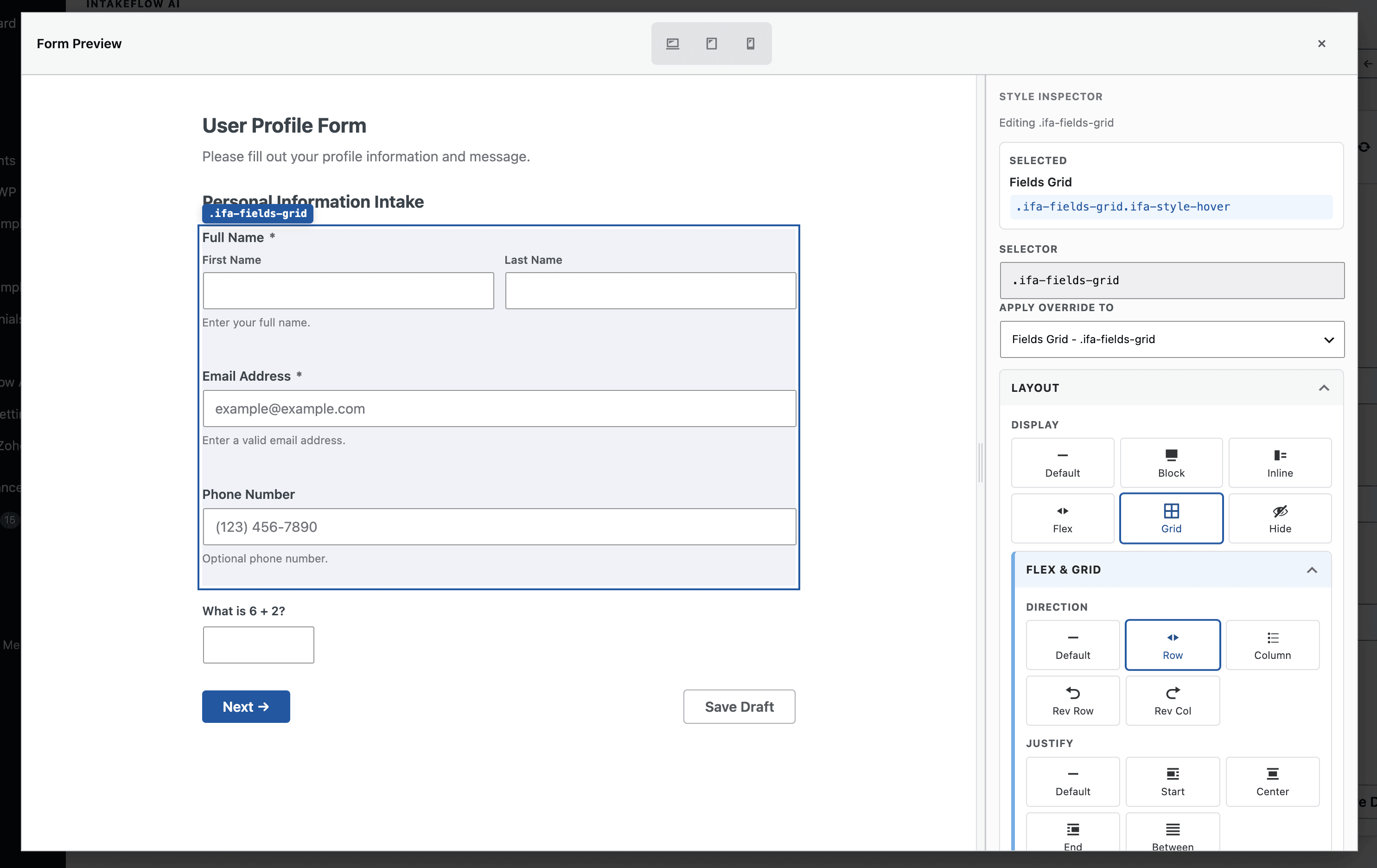
The plugin includes admin builder screens, front-end rendering, entry management, document preview, and AI provider settings.
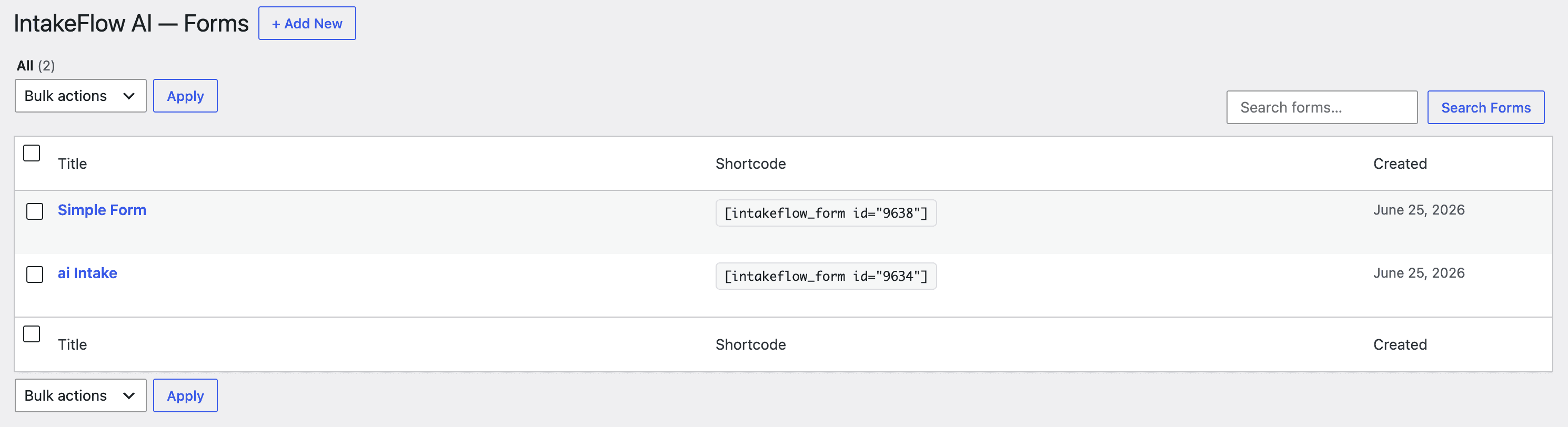
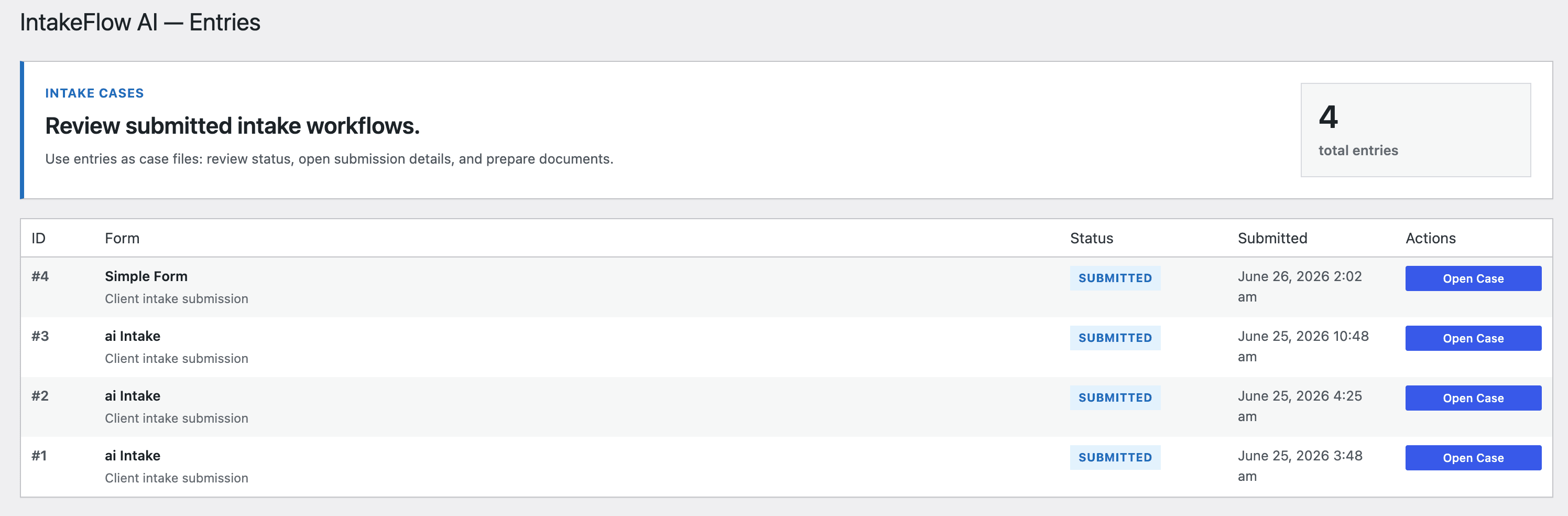
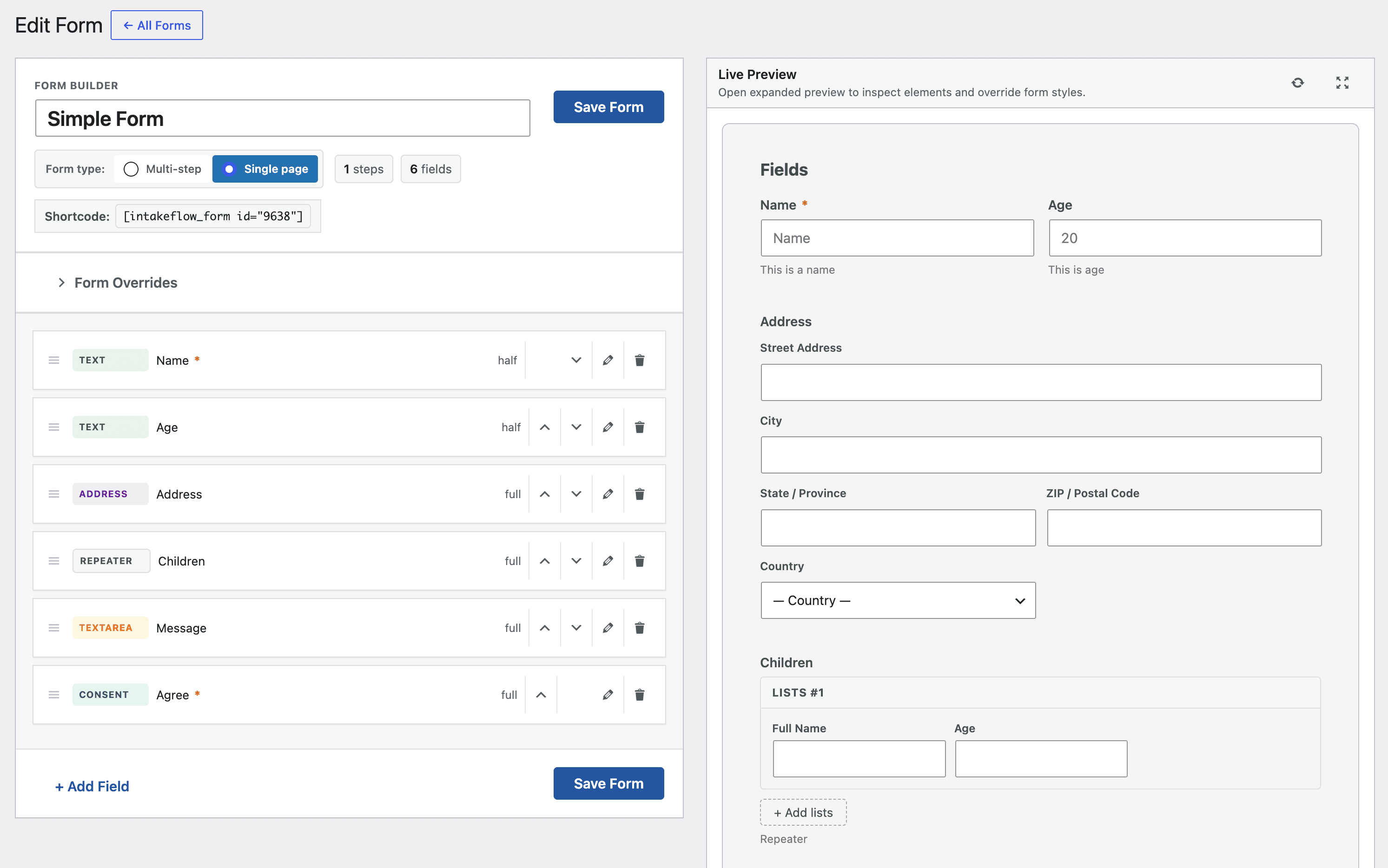
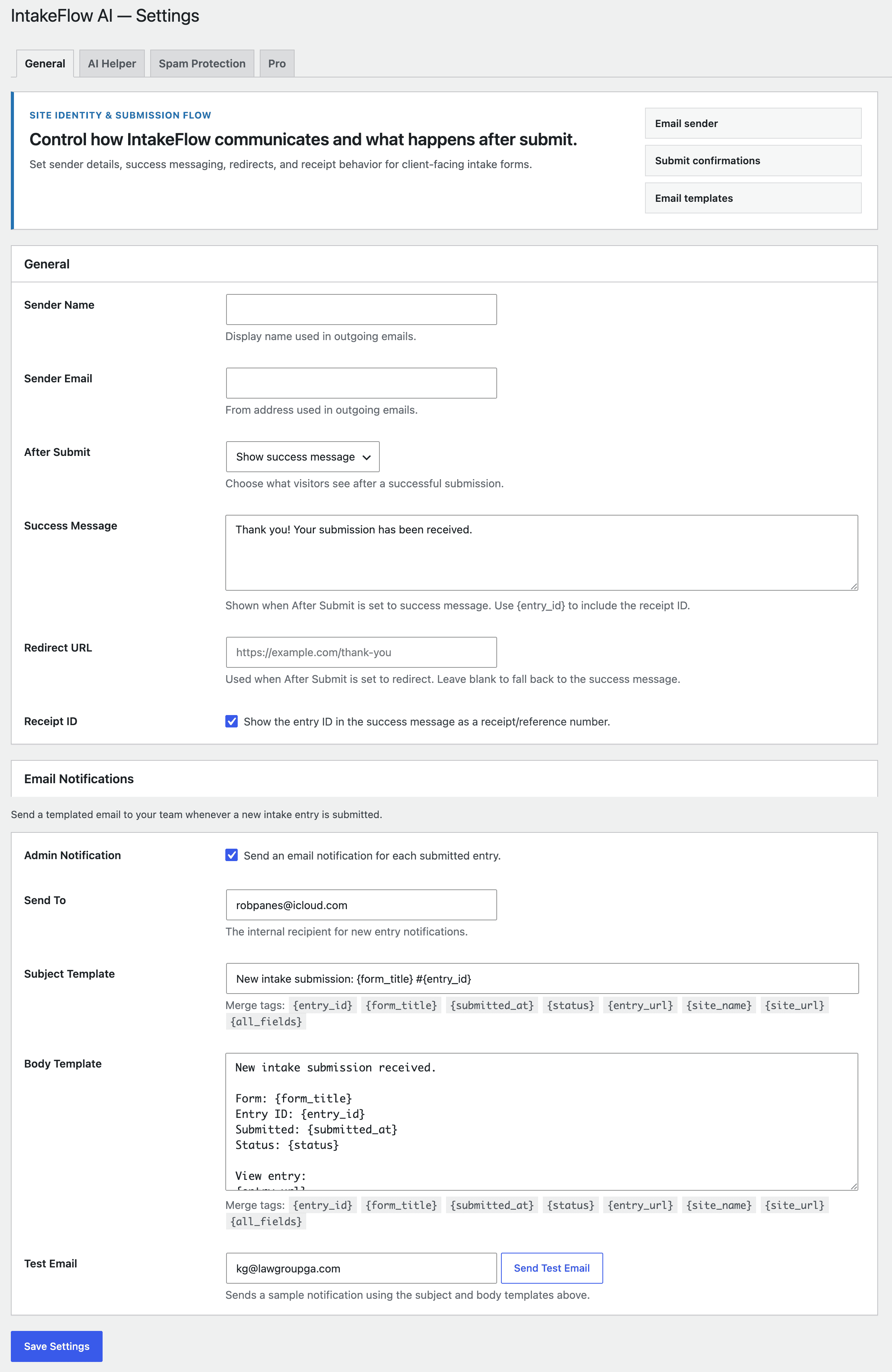
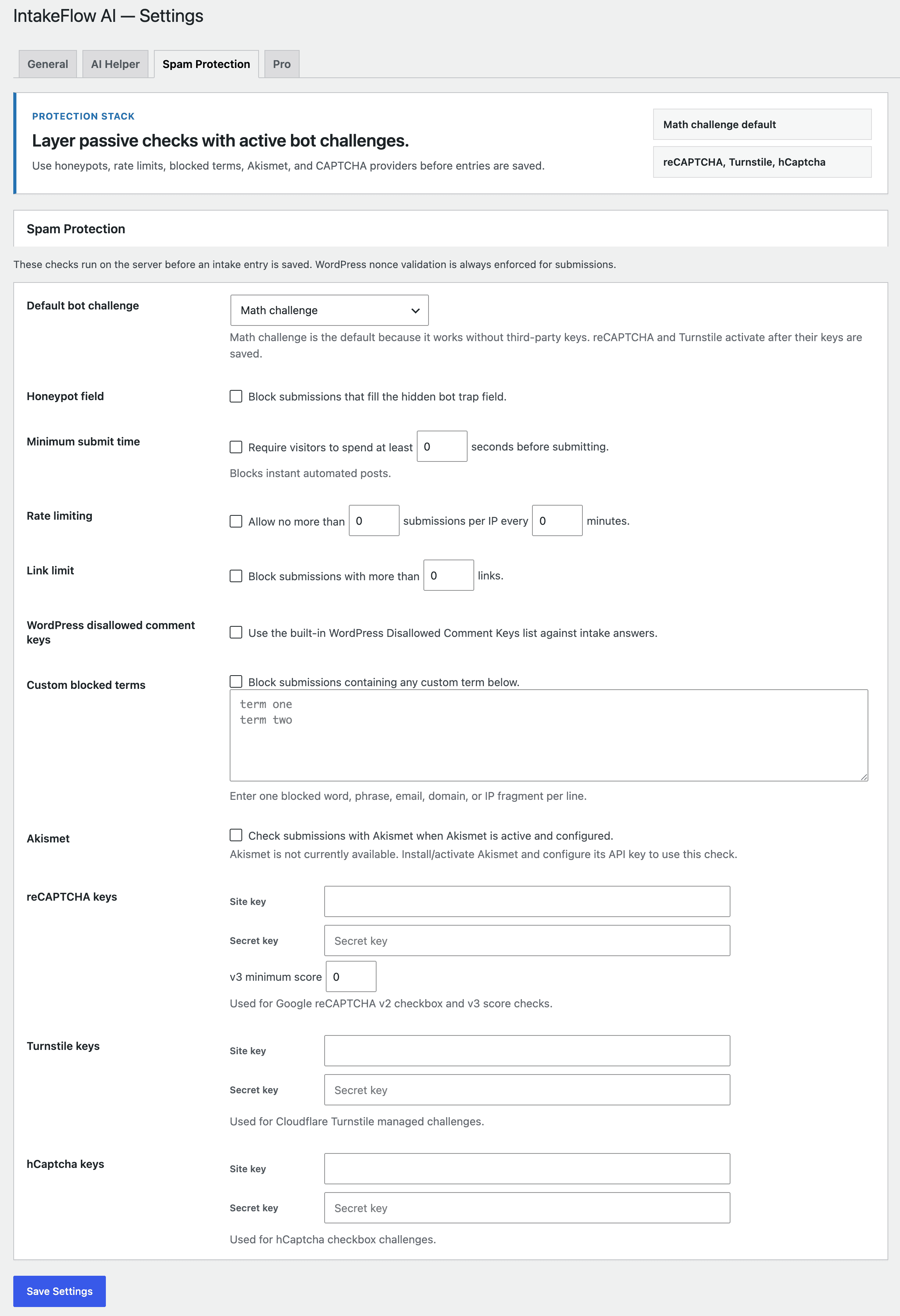
Submission data is stored in the site's WordPress database as custom post type records. Resume links use tokenised access, so clients can continue drafts without creating a login.
Optional AI guidance only sends data to the configured provider when that feature is enabled and an API key has been added in plugin settings.
FAQ
No. WebSprint Forms AI runs on your WordPress installation. An external AI provider account, such as OpenAI, is only needed if you enable AI features.
Submission data is stored in your WordPress database as intake entry records. Data is not sent to third-party AI providers unless optional AI features are enabled.
Yes. The current setup supports configurable AI provider settings, so site owners can enter their own OpenAI API key in the plugin settings.
Yes. WebSprint Forms AI includes secure draft saving with tokenized resume links, allowing clients to continue long intake forms later without requiring a login.
Yes. The plugin includes a document preview and PDF generation foundation for turning intake submissions into PDF outputs.
Yes. The front-end form renderer is fully responsive and designed to work across desktop, tablet, and mobile screens.
Yes. WebSprint Forms AI includes REST API support for custom, headless, or decoupled workflows, making it extendable for developers.
Changelog
Version 0.1.2 is a minor UI improvement release for the Form Override icon picker. No database changes are required for this upgrade.